Practice Player Settings
Audio quality
One choice for all pieces, remembered on this device. 128 kbps is recommended: it sounds great and loads quickly, even on slow connections.
Landing page
Three window dressings for the landing page, each in a light and a dark look. Pick the picture you like; the player's Home button returns there until you choose another.
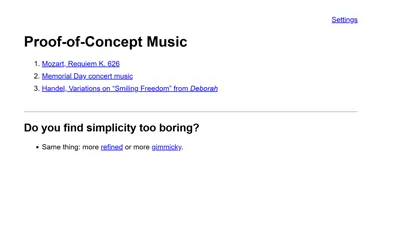
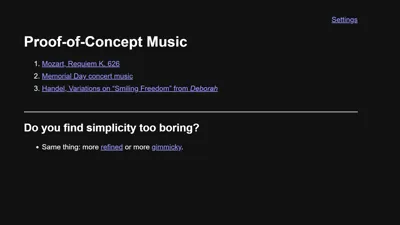 Plain
Simplicity itself
Plain
Simplicity itself
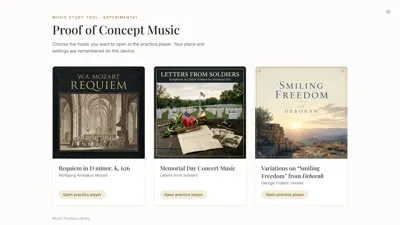
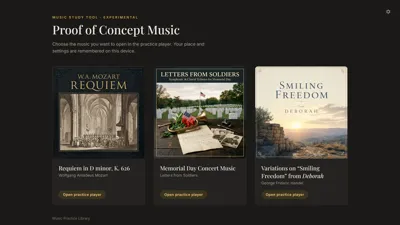 Refined
Quietly contemporary
Refined
Quietly contemporary

 Gimmicky
Gaudy retro parody with a huckster’s voice
Gimmicky
Gaudy retro parody with a huckster’s voice
Dark Mode / Light Mode
Whether the app uses light or dark-mode styling. “Automatic” follows your browser or device setting. The player itself stays dark for now.
Saved positions
Where each piece will resume the next time you open it.
Reading…
Error reporting
When something goes wrong, the app tells its own server what the app was doing — never who you are, and never anything you typed. Leaving this on helps problems get fixed quickly.
Start fresh
Forgets the saved positions above, resets audio quality to 128 kbps, restores the plain landing page with automatic dark/light mode, and turns error reporting back on. Does not sign you out.